
paperjs-offset is a path offset helper library for Paper.js. It accepts both paper.Path and paper.CompoundPath, generates closed path offsets and fillable stroke outlines, and reports on the quality of the resulting geometry.
The useful surface area is deliberately small: expand or contract a closed path, convert a stroked centerline into a filled outline, then inspect whether the generated geometry is trustworthy enough to use.
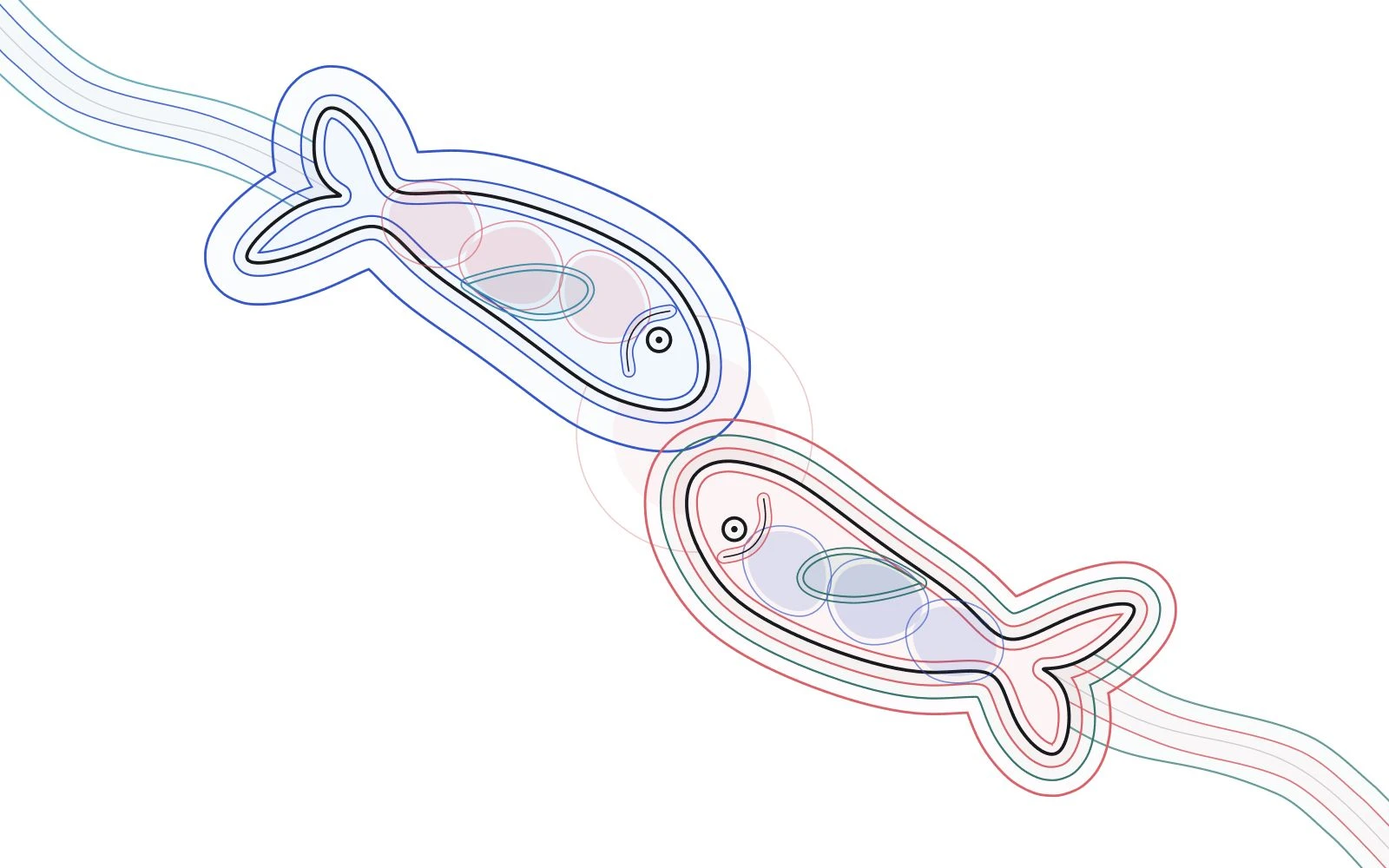
Closed Offsets
Positive distances expand a closed shape; negative distances contract it. The source path is left under your control, so callers can keep it visible, compare distances, or remove it after generating the offset.
const expanded = offset(source, 14, {
  join: "round",
  insert: false
});

const contracted = offset(source, -10, {
  join: "round",
  insert: false
});
This is the core operation behind the simple outward/inward demos and most of the gallery cases below.
Stroke Outlines
offsetStroke handles open and closed centerlines as a separate operation. Join style decides how corners are rebuilt; cap style decides how open-path terminals are closed. round is usually the safest default for organic shapes, while miter and bevel are useful for sharper construction geometry.
const outline = offsetStroke(centerline, 8, {
  join: "round",
  cap: "round",
  insert: false
});
Quality Analysis
The default algorithm: "auto" mode starts with the adaptive result. It returns immediately when quality checks find no structural problem such as a self-intersection, unexpected empty result, containment error, or inward distance collapse; only problematic geometry triggers comparison with the remaining strategies.
The same scoring information is exposed through analyze. Pass the actual join, cap, and stroke semantics so expected bevel joins or butt caps are not mistaken for distance collapse.
const result = offset(source, 12, {
  algorithm: "auto",
  join: "round",
  insert: false
});

const quality = analyze(source, result, 12, {
  join: "round"
});
Strategy Selection
| Mode | Best suited for |
|---|---|
auto | Recommended application default; starts with adaptive and expands the search only when needed. |
adaptive | Preserves the requested distance; near aggressive inward collapse, it compares the requested join with a safer round candidate. |
robust | Performs additional cleanup around concave joins and self-intersecting stroke outlines. |
split | Splits self-intersecting curves while preserving more of the original structure than robust. |
legacy | Keeps output close to earlier releases for compatibility with existing results. |
The point of auto is to avoid making callers predict which algorithm fits each shape. Healthy inputs take the short path; difficult geometry receives the broader comparison. Explicit modes remain available for historical reproducibility and focused diagnostics.
Interactive Guide
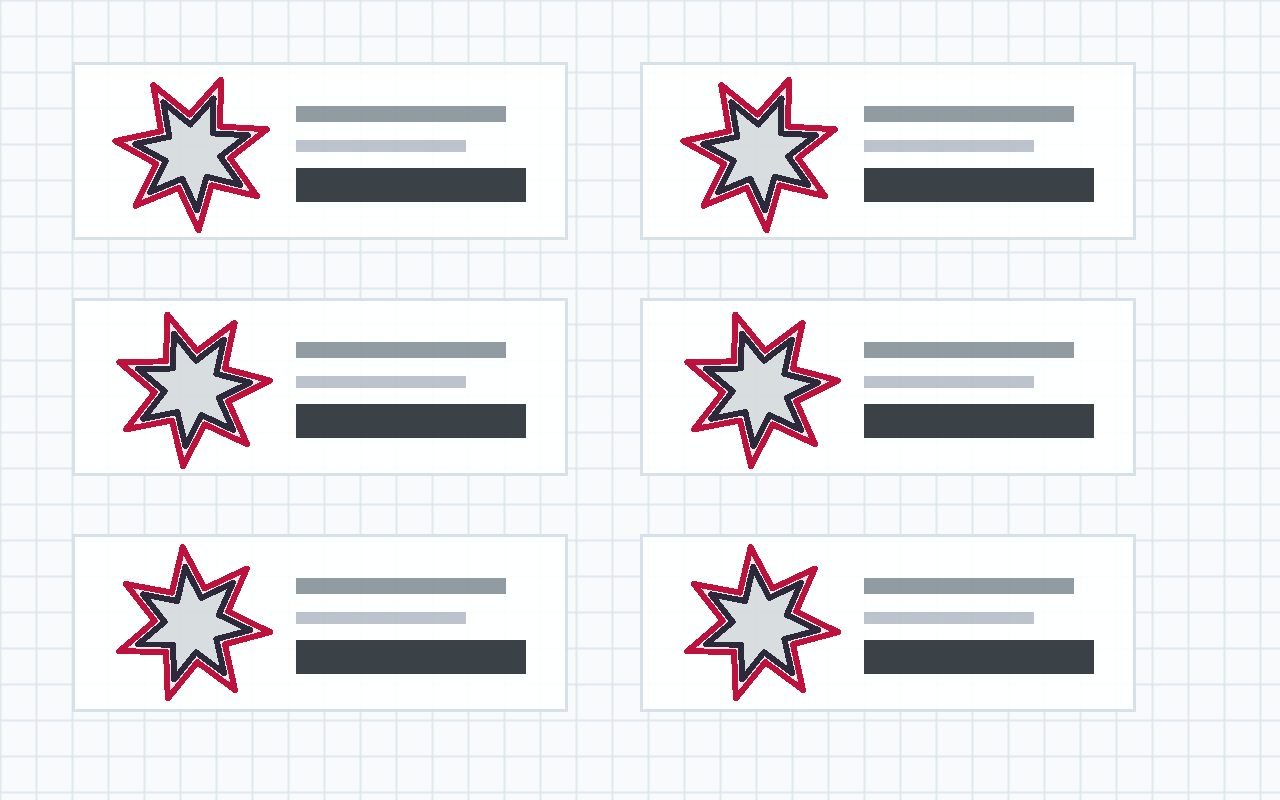
These examples come from the Dev Site Export Contract generated by the project repository. This detail page only reads manifest.json, data/guide.json, and the exported runtime; the example content stays owned by paperjs-offset.
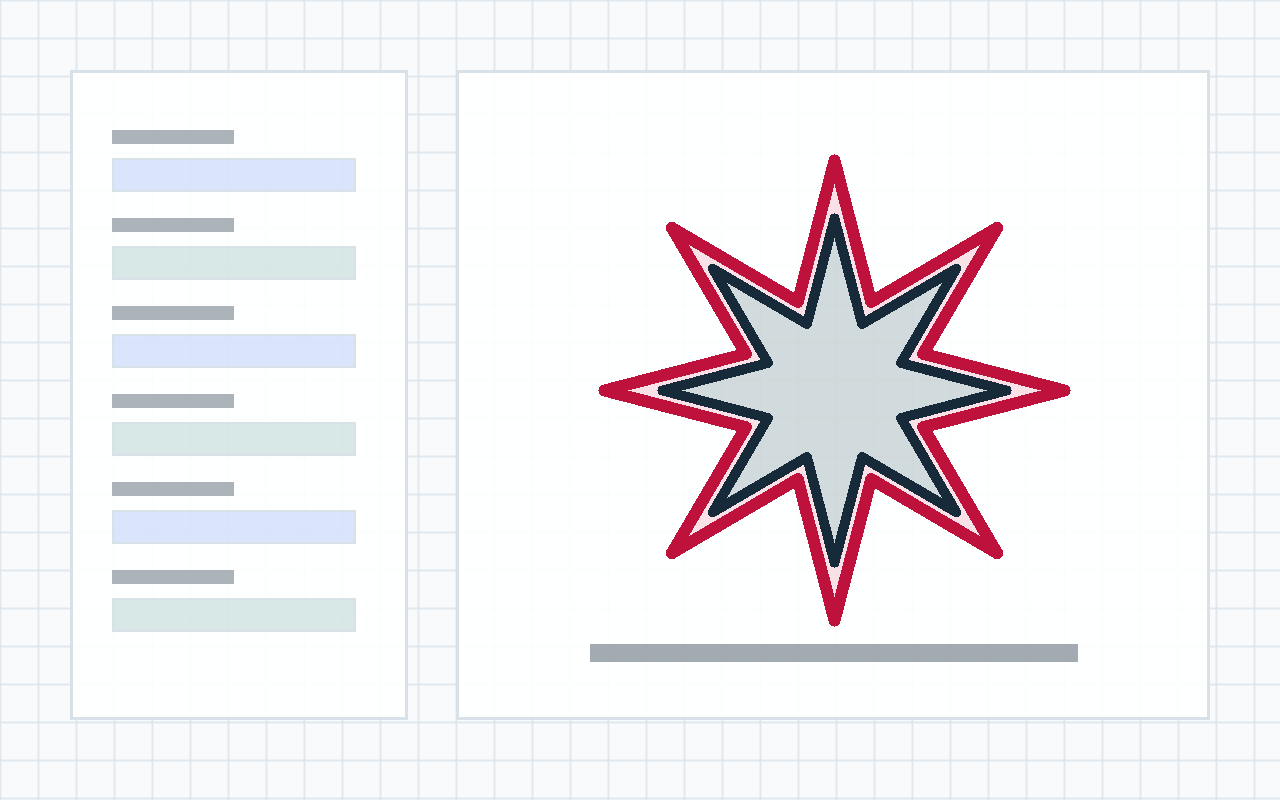
Playground
The playground uses the same exported data and runtime as the guide and gallery. Pick a preset shape, change offset parameters, and inspect the generated path immediately.
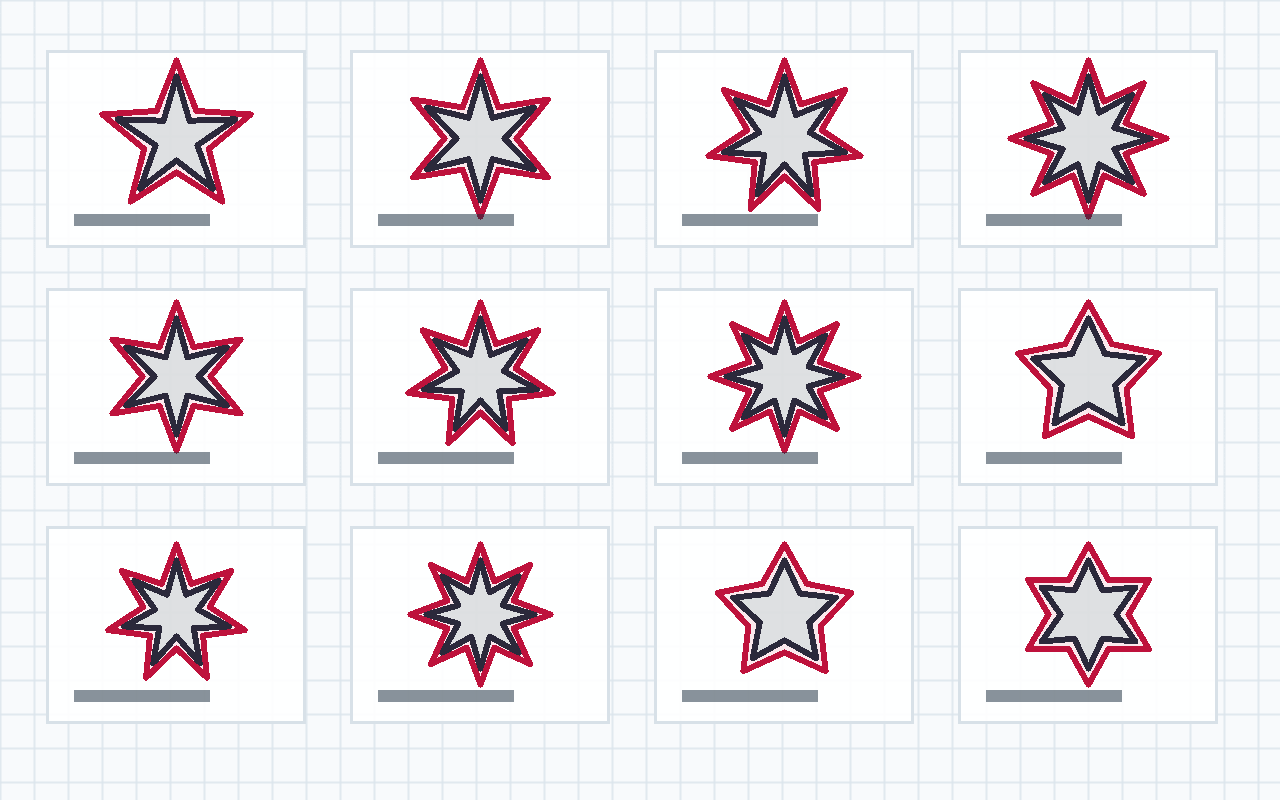
Gallery
The gallery is driven by data/gallery.json and contains 198 deterministic cases. It initially renders 12 lightweight showcases; the Basic, Advanced, Boundary, and Edge cases are rendered after their tabs are selected. Each case carries an SVG path, operation, distance, options, and expected quality metadata.
Alongside stars, smooth curves, holes, and open strokes, the corpus now covers nested island contours, disjoint components with sharply different scales, deep subdivision, containment leaks, precision-sensitive erosion, and inward offsets that should disappear entirely. These are not presentation-only fixtures: the gallery is exported from the same stress corpus used by the project tests.
Cases And Validation
Beyond the fixed gallery, the test suite generates 400 seeded fuzz cases across random polygons, Bezier curves, compound paths, and open strokes. A failure can be replayed from its seed and case number, then promoted into a deterministic regression fixture.
The benchmark runs the same corpus across the available algorithms and reports total time, P50, P95, maximum duration, and the slowest cases. It deliberately avoids machine-sensitive hard timing thresholds; its purpose is to expose meaningful regressions after a strategy changes.
Install
Applications that use this library should install Paper.js themselves:
npm install paper paperjs-offsetRecommended API
New code should use the named functions:
import paper from "paper";
import { analyze, offset, offsetStroke } from "paperjs-offset";

paper.setup(new paper.Size(400, 300));
The core functions are:
offset(path, distance, options);
offsetStroke(path, distance, options);
analyze(source, result, distance, options);
offset expands or contracts closed paths. offsetStroke turns a centerline stroke into a closed outline. analyze scores the generated result and reports warnings for hard geometric cases.
Example
const expanded = offset(source, 14, {
  join: "round",
  insert: false
});

const outline = offsetStroke(source, 8, {
  join: "round",
  cap: "round",
  insert: false
});

const quality = analyze(source, expanded, 14);
Notes
Offsetting Bezier geometry is approximate, especially around tight curves, concave joins, self-intersections, compound paths, and aggressive negative offsets.
adaptive preserves the requested distance instead of reducing an inward offset to obtain a safer-looking shape. Near the collapse boundary, it compares the requested bevel or miter join with a round candidate so a degenerate contour does not regrow or reappear after full erosion. When erosion should remove a shape completely, an empty result may be the correct geometry; whether that is acceptable belongs to the caller and the accompanying analyze report.