
Storybook Co-Editor is a local storybook layout tool. A Chrome extension collects images from the web; the macOS app manages page order and scripts, adjusts images, saves projects, and exports both screen and print PDFs.
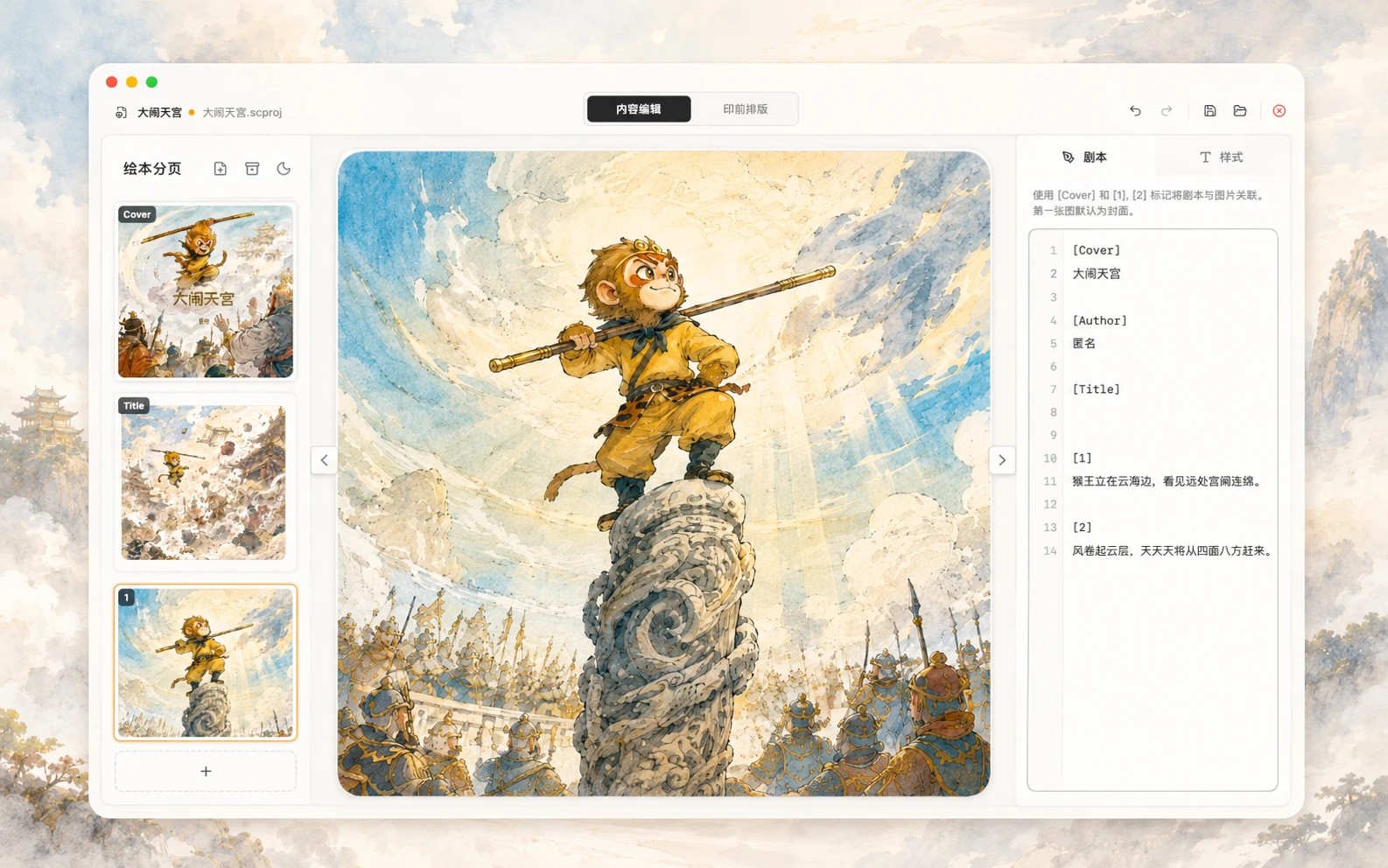
From the web to a local project
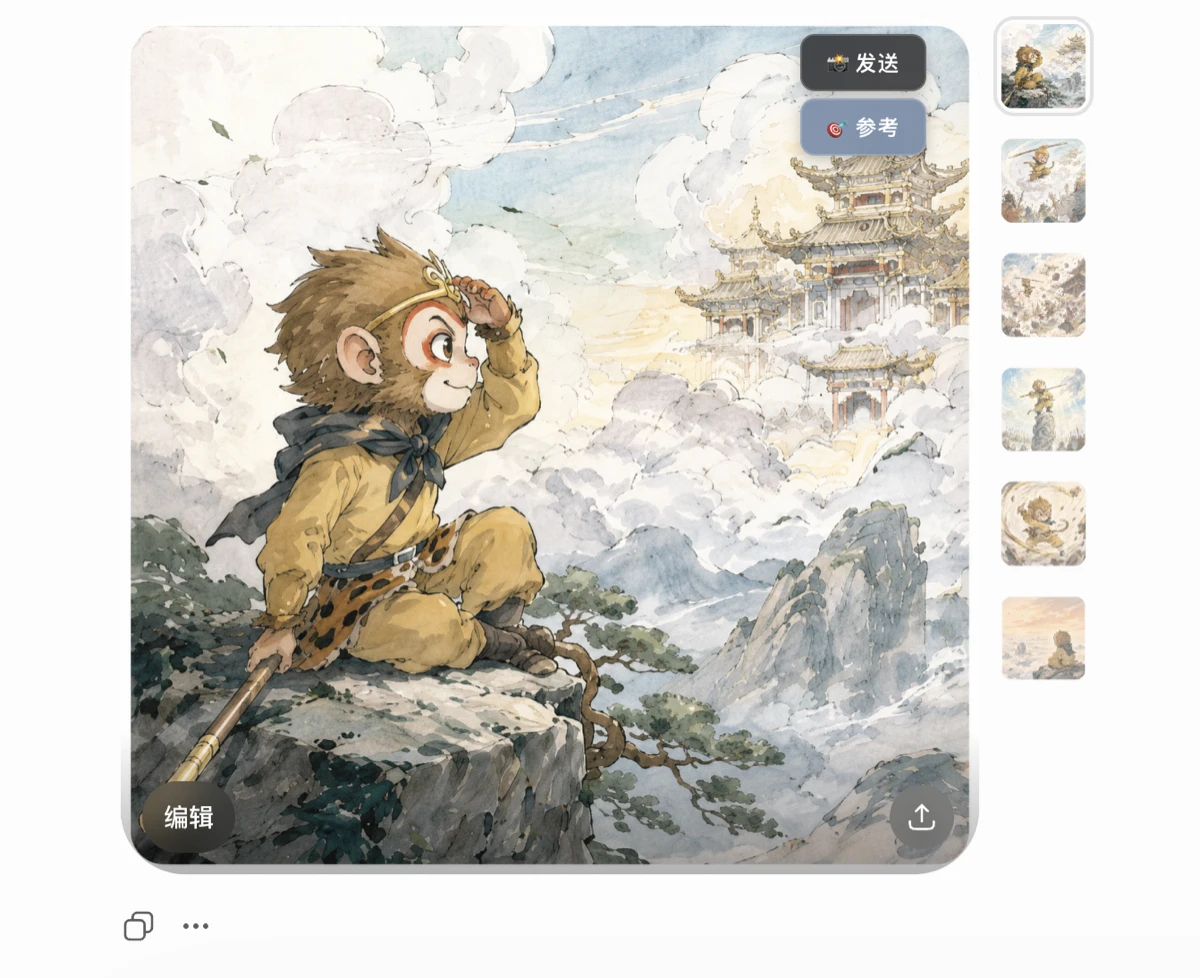
The Chrome extension reads regular and lazy-loaded images, sends selected images or references to the desktop app, and deduplicates them by content hash.
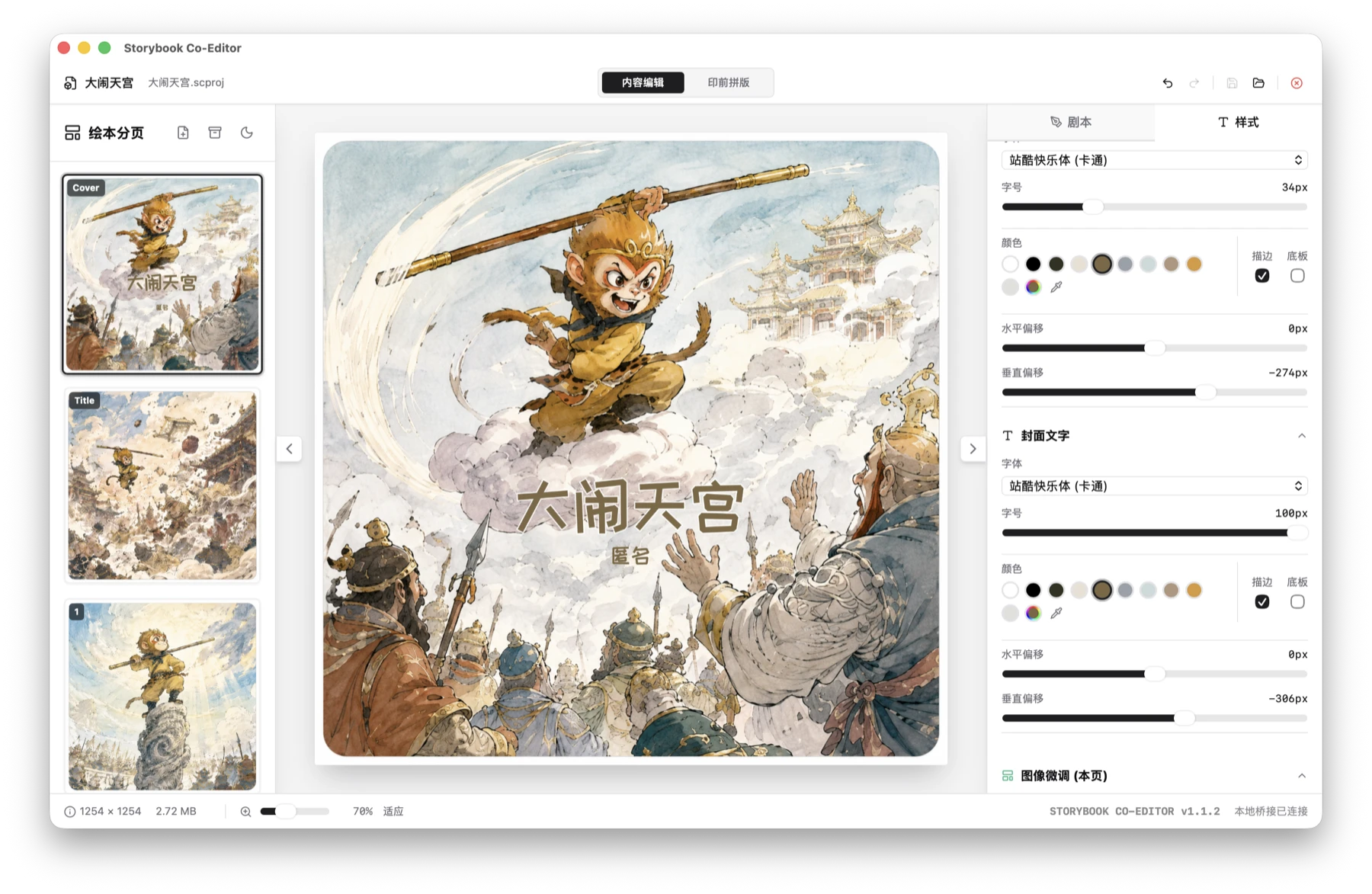
The desktop app manages covers, title pages, body pages, and blanks, together with page order, typography, background colour, and image placement.
A .scproj package stores project data, images, and the recycle bin, with autosave, Save As, undo, and redo.
Export a page-by-page PDF for screens, or prepare a print PDF with paper, binding, margin, crop-mark, and duplex settings.
Optional connections
The desktop app can connect to a local Codex App Server for script revision, new-page generation, or image redraws. Candidates remain pending until the user accepts them. It also exposes a local MCP service on 127.0.0.1:14320 for reading the open project, replacing scripts, and adjusting text placement.
Current scope
- The packaged app currently targets Apple Silicon Macs and is not Apple-notarized.
- The Chrome extension is distributed as an archive and must be loaded through developer mode in
chrome://extensions. - Editing, saving, image processing, and PDF export stay local. Text and selected images leave the app only when a Codex action is invoked.
- MCP access uses a random local token. That token can modify the open project and should only be shared with trusted local clients.